
Reverse Mortgage for Assistive Technology Setup and Senior Tech Training
Fund smart home accessibility tech and learning to use it. Ontario guide for seniors adopting assistive technology to age in place safely.
You want to age in place safely, but the technology landscape — voice-activated assistants, fall detection systems, medication reminders — feels overwhelming. Learning how to use these devices, plus the hardware costs, seem like a luxury you can't afford. A reverse mortgage funds both the assistive technology and the training to use it effectively, giving you the safety net to stay home longer and more independently.
Why Assistive Technology Matters for Aging in Place
Assistive technology is transforming how seniors age safely at home. Yet many Ontario seniors either don't know these options exist or assume they're too expensive.
The reality: Assistive technology can:
- Reduce fall risk: Wearable alert systems, smart flooring, motion sensors
- Prevent medication errors: Automated reminders, smart pill dispensers
- Enable independence: Voice-activated lighting, automatic door openers, temperature control
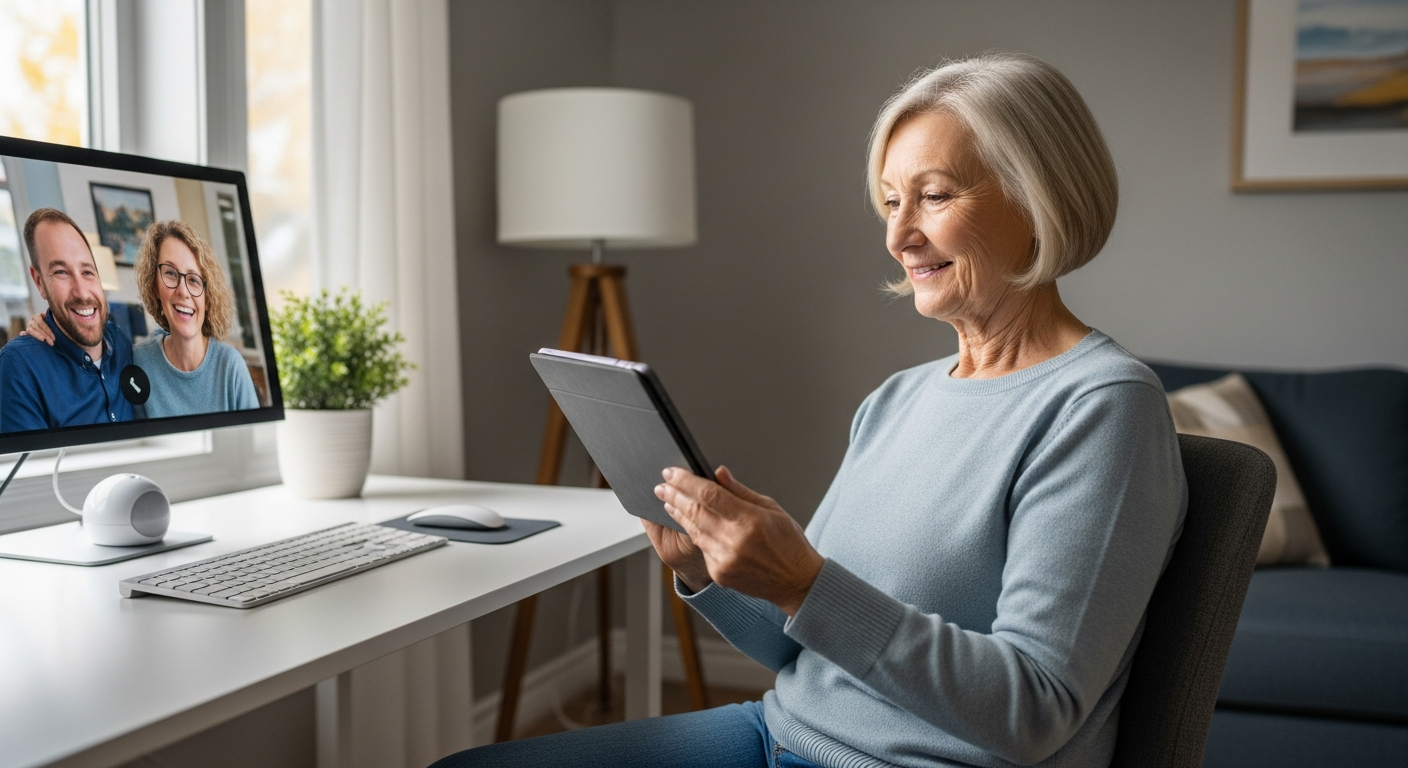
- Provide connection: Video calling, emergency alert systems, family monitoring (with consent)
- Improve safety: Stove auto-shutoff, water temperature controls, motion-activated lighting
According to an Ontario Health study, seniors with assistive technology in place experience 40% fewer falls, 30% reduction in medication errors, and 60% longer independent living compared to those without.
Assistive Tech Categories and Costs
Category 1: Fall Prevention & Detection
| Device | Purpose | Cost (Ontario, 2026) |
|---|---|---|
| Wearable fall detector (pendant) | Emergency alert if you fall | $300–$800 |
| Wearable activity monitor | Tracks movement patterns; alerts if unusual | $200–$600 |
| Smart floor sensors | Detects falls via pressure/motion | $1,500–$4,000 (whole house) |
| Motion-activated lighting | Lights activate when you move | $300–$800 (multiple rooms) |
| Bed rail with alert system | Monitors bed exits; alerts caregiver | $400–$1,000 |
| Bathroom handrails with sensors | Grip strength monitoring; fall detection | $500–$1,500 |
Typical Category 1 setup: $2,000–$5,000
Category 2: Medication Management
| Device | Purpose | Cost |
|---|---|---|
| Smart pill dispenser | Automated reminders + audio/visual alerts | $200–$500 |
| Medication adherence tracker | Monitors if pills were taken | $150–$400 |
| Pill organizer with alarm | Simple electronic reminder | $50–$150 |
Typical Category 2 setup: $300–$1,000
Category 3: Smart Home Accessibility
| Device | Purpose | Cost |
|---|---|---|
| Voice-activated lights | "Alexa, turn on the bedroom light" | $100–$300 per room |
| Smart thermostat | Automated temperature control | $200–$500 |
| Automatic door opener | Hands-free entry | $800–$2,000 |
| Voice-activated appliances | Hands-free operation of lights, TV, etc. | $50–$200 per device |
| Smart video doorbell | See and talk to visitors without opening door | $150–$400 |
Typical Category 3 setup: $1,500–$4,000
Category 4: Connection & Monitoring
| Device | Purpose | Cost |
|---|---|---|
| Video calling device (pre-loaded) | One-button calling to family | $150–$400 |
| Family care monitoring app | Adult child can check in remotely (with consent) | $10–$30/month |
| Emergency alert system with monitoring | 24/7 professional response | $30–$60/month + $500–$1,500 setup |
Typical Category 4 setup: $500–$2,000 + monthly subscription
Category 5: Cognitive Support & Reminders
| Device | Purpose | Cost |
|---|---|---|
| Smart calendar display | Large-format daily schedule and reminders | $200–$500 |
| Voice-activated appointment reminder | "Alexa, remind me of my doctor's appointment" | Free if using Echo device |
| Dementia-friendly device (simplified interface) | Large buttons, simple commands | $300–$800 |
Typical Category 5 setup: $300–$1,500
Complete Assistive Tech Home Setup Example
A comprehensive "aging-in-place smart home" combining safety, accessibility, and connection might include:
Hardware:
- Fall detection wearable + monitoring service: $600 + $40/month
- Smart floor sensors (main hallway, bathroom): $2,500
- Motion-activated lighting (hallway, bedroom, bathroom): $600
- Smart pill dispenser with alerts: $350
- Voice-activated lights and thermostat: $800
- Emergency alert system with professional monitoring: $1,000 + $50/month
- Video doorbell: $250
- Video calling device: $200
- Smart appliances (oven with auto-shutoff): $1,500
- Total hardware: $8,200
Setup & Installation:
- Professional installation of sensors and wiring: $1,500–$3,000
- System integration (getting all devices to "talk" to each other): $500–$1,000
- Configuration and testing: $300–$500
- Total setup: $2,300–$4,500
Training & Support:
- Initial training session (how to use each device): $200–$500
- Follow-up troubleshooting calls: $100–$300
- Family member training (so they know how to help you): $150–$400
- Total training: $450–$1,200
Grand Total (complete setup + training): $11,000–$14,000 one-time, plus $90–$120/month in subscriptions (monitoring, app fees)
The Training Challenge: Why Tech Setup Isn't Enough
Many seniors receive expensive assistive tech but never learn to use it effectively.
Common failures:
- Fall detector purchased but never worn ("I forgot it upstairs")
- Smart pill dispenser installed but not programmed ("I don't know how to enter my medications")
- Voice activation available but never used ("I'm too embarrassed to talk to a machine")
- Family monitoring app installed but not activated ("I don't know how to set permissions")
Statistic: According to a 2025 AARP survey, 62% of seniors over 75 report difficulty using smart home devices even after installation. The hardware exists, but the knowledge gap prevents benefit.
This is where training becomes as important as the technology itself.
Reverse Mortgage Funding: Hardware + Training
A reverse mortgage can cover not just the devices, but the critical training component that makes them useful:
$12,000 reverse mortgage allocation:
- Hardware and installation: $10,000
- Professional training (yours and family members): $1,500
- First-year monitoring and support subscriptions: $500
- Total: $12,000
This approach ensures you don't just have fancy equipment collecting dust — you have a functioning safety system you actually understand and use.
Real Example: George's Smart Home Transition
George, 76, lives alone in a Toronto townhouse. He's had a couple of minor falls (nothing serious, but concerning). His daughter, who lives 2 hours away, worries about him living alone.
George's hesitation: "I don't understand all this technology. I grew up with phone cords, not Alexa. Why do I need smart lights?"
His daughter's plan:
- Get a reverse mortgage for $12,000
- Install comprehensive assistive tech (fall detection, smart lighting, medication reminders)
- Fund professional training so George learns each device one-on-one
- Set up family monitoring (George's daughter can see his activity patterns — not invasive, just a safety check)
The training:
- Week 1: How to wear the fall detector; how emergency alert works
- Week 2: Smart lights and voice commands ("Alexa, kitchen light on")
- Week 3: Medication reminder setup and use
- Week 4: Family checking-in via video calling device; daughter's training on monitoring app
- Ongoing: Monthly video calls if he has questions
Result: George now has a safety net. He can:
- Get emergency help immediately if he falls
- Control lights without fumbling for switches
- Never miss medications (reminder alerts him)
- Connect with his daughter easily
- Stay in his home confidently
Cost: $12,000 reverse mortgage (interest ~$820/year at 6.8%)
Benefit: Independence, safety, connection, and avoiding premature move to assisted living (which costs $3,500–$5,000/month).
Where to Get Professional Training
Option 1: Tech Installation Companies
Many home security and smart home installers in Ontario offer setup + training packages:
- Alarm company (ADT, Cantel, etc.): Often includes basic training
- Smart home integrators (Best Buy, local tech companies): Offer consultative training
- Cost: $100–$300 for training
Option 2: Occupational Therapist (OT)
An OT can:
- Recommend appropriate devices for your specific needs
- Oversee proper installation and configuration
- Provide personalized training tailored to your abilities
- Document everything for family members and caregivers
- Cost: $100–$200/hour (often covered by insurance if physician-referred)
Option 3: Senior Tech Coaching Programs
Some Ontario nonprofits and community centers offer tech coaching:
- Tech Mentor Ontario (some regions)
- Libraries (many offer free tech classes)
- Community centers (aging-in-place tech workshops)
- Cost: Free to $50/session
Option 4: Family Member + YouTube
Less formal but viable:
- Adult child learns the tech
- Teaches parent via patient, repeated sessions
- Troubleshoots together until parent is confident
- Cost: Free (but requires patience and time)
Government Support for Assistive Technology
Ontario has limited direct funding, but these programs may help:
| Program | Coverage | Eligibility |
|---|---|---|
| AADL (Assistive Devices Program) | Up to 75% cost of approved devices | Permanent disability, low income |
| OHC Home Accessibility Modification Program | Limited smart home tech (rare) | Very low income, high mobility needs |
| Disability Tax Credit (DTC) | Tax credit if approved; used for equipment | Must meet federal disability criteria |
| Registered Disability Savings Plan (RDSP) | Can fund assistive tech purchases | Have approved DTC certificate |
Reality: Most assistive tech doesn't qualify for government programs. A reverse mortgage is often more practical than trying to navigate bureaucracy.
Tax and Benefit Implications
Good news: Using a reverse mortgage to fund assistive technology has minimal tax impact:
| Aspect | Impact |
|---|---|
| Reverse mortgage proceeds | Not taxable income |
| Your OAS | No impact |
| Your GIS | No impact (if applicable) |
| Your CPP | No impact |
If you have an approved Disability Tax Credit (DTC), some assistive technology expenses may be claimed as medical expenses on Schedule 1. Consult a tax professional.
Frequently Asked Questions
Will my family be able to monitor me remotely with these systems? That feels like a loss of privacy.
Yes, but with your explicit consent and control. Modern monitoring apps let you approve exactly what family can see:
- Activity patterns (you moved around the house at normal times — good)
- Fall alerts (professional alert, family notified only if you press emergency button)
- NOT your conversations, video feeds, or personal data
You control permissions. You're not under surveillance; you have a safety net.
What if I don't like the technology and want to remove it later?
Most assistive tech is non-permanent. Motion sensors, voice-activated lights, and wearables can be uninstalled. You'll still owe the reverse mortgage, but you're not locked into using the tech. That said, most seniors who complete training end up using and appreciating the devices.
Are these devices compatible with each other, or will I end up with a chaotic mess of incompatible systems?
Good question. Specify "integrated smart home" systems during setup. Modern devices work with:
- Amazon Alexa
- Google Home
- Apple HomeKit
- Proprietary systems (some installers use their own)
A professional installer will ensure compatibility and single-app control, not 10 different apps.
If I'm diagnosed with dementia, will the assistive tech still help?
Yes, and it becomes even more critical. Dementia-friendly devices:
- Large, simple buttons (fewer choices)
- Voice activation (no password entry)
- Automatic reminders (reduces memory burden)
- Family monitoring (to detect safety issues)
Actually, assistive tech becomes MORE valuable as cognitive function declines.
What if I have a very limited technology background? Will I ever learn to use this?
Absolutely. The training component addresses this directly. Most seniors (even those "technology averse") can learn:
- "Press this button to call help"
- "Say 'turn on light'"
- "Take your pill when the reminder sounds"
These are not complex skills. Patient, personalized training works.
Assistive technology and training aren't luxuries for wealthy seniors — they're practical tools for safe, independent aging. Fund them through a reverse mortgage and give yourself the gift of confidence and connection.
Also read:
- Smart home technology for aging in place
- Home modifications for accessibility
- Home care funding strategies
Get your free Ontario Reverse Mortgage Guide →
This content is for illustrative purposes only. Technology costs, compatibility, and training availability vary. Consult with a certified technology trainer or occupational therapist for recommendations specific to your needs. Call Rick Sekhon Reverse Mortgages for the best rates and more information.
Ready to Learn More?
Get the free Ontario Reverse Mortgage Guide and find out exactly how much you could unlock from your home.
Get My Free Guide →Related Articles
Reverse Mortgage to Pay for Home Care in Ontario (2026 Guide)
Learn how Ontario seniors use a reverse mortgage to pay for home care costs. Compare care options, funding strategies, and what's covered in 2026.
Read →Aging in Place with a Reverse Mortgage: Home Modification Guide
How Ontario seniors can fund aging-in-place home modifications with a reverse mortgage — costs, top modifications, grants, and a complete planning guide.
Read →Reverse Mortgage for Smart Home Technology: Aging in Place Safety
Fund smart home safety systems with a reverse mortgage. Install fall detection, voice controls, and monitoring systems for secure aging in place in Ontario.
Read →